
For most people, we use technology far more than we create with it. In other words: we watch, scroll, and play through apps and games that other people built.
Parents often talk about how to get kids to cut down on their screen time or device use, but what if we could think differently about this? Since devices are so much a part of our lives, how do we get a child onto the other side of the screen, building things rather than only using them?
To do this, you don't need a big budget, and you definitely don't have to be a "tech parent." Below are four ways to put a child in a maker's role, from free tools they can try immediately to competitions worth checking out.
Building and robotics competitions
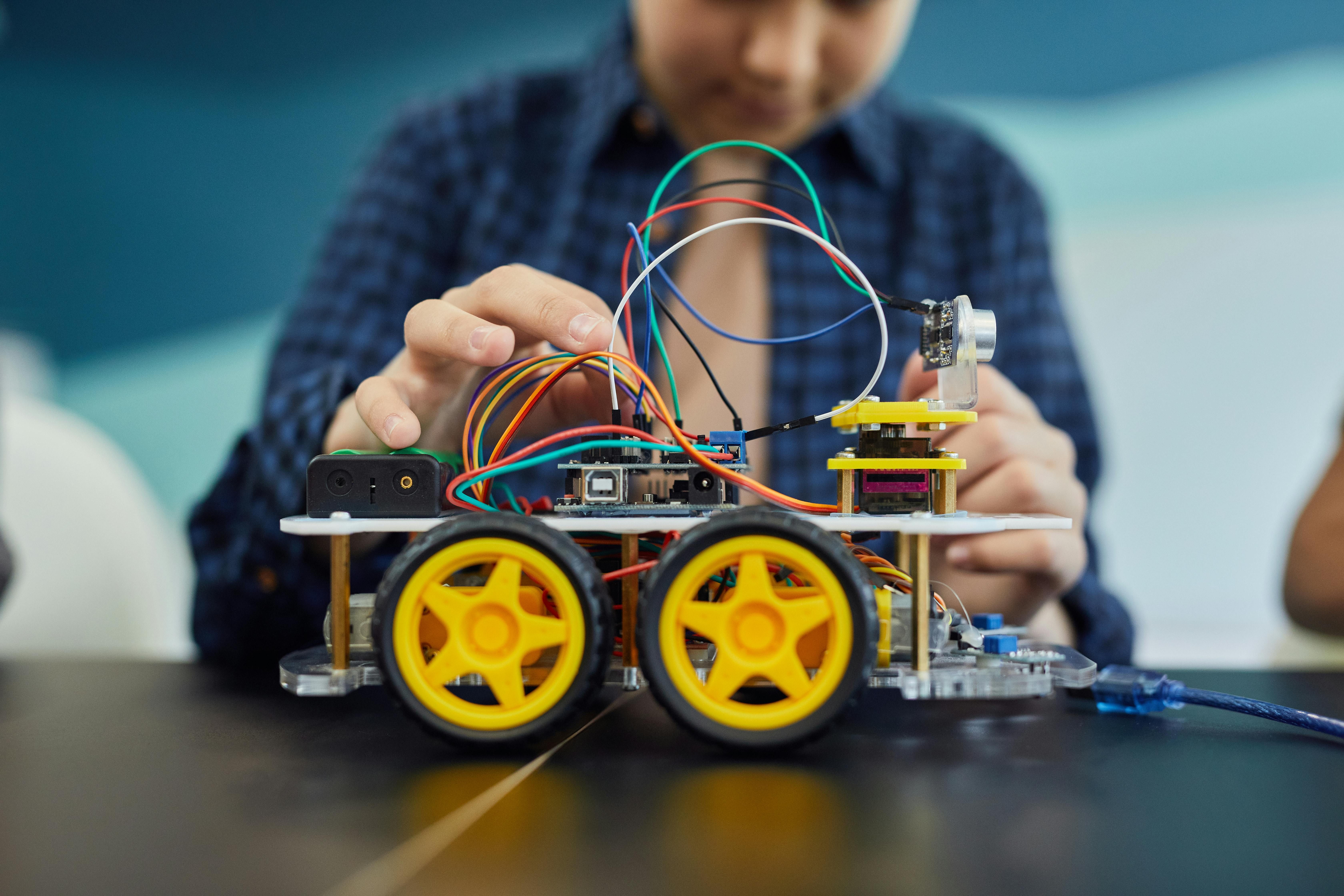
At a building or robotics competition, a child is handed a box of parts (usually motors, sensors, and building bricks), a specific challenge to solve, and a fixed amount of time. They have to design something that meets the challenge, build it, program it to run on its own, and then explain their thinking to a judge.
Such events are valuable for learning and growth, because a child has to commit to an idea before they know it will work, fix it when it doesn't, and defend the choices they made. However, established competitions may expect a year or two of grounding in robotics or coding first.
For a first taste, try a one-day challenge that only requires a child to show up and make something, with no prior knowledge needed.
Coding that creates something
Some of what gets sold as coding for children is really puzzle solving. A child drags blocks of code to steer a character through a maze, and there is one correct route to find. It looks like programming, and it does teach a little about sequence and order, but they are filling in an answer someone else already worked out.
The classes worth looking for do the opposite. The screen is empty when the child opens it. They decide what to make (a game, an animation, a quiz), and then have to work out how to build it. Working out what you want and getting it to happen is a harder, more useful kind of thinking than finding a single correct answer.
As a taster, kids (even preschoolers) can start experimenting with code without joining a formal class.
Making digital content
Children spend hours watching videos, listening to music, and looking at other people's pictures. But think about this: the same child can make these things instead of only taking them in. A short stop-motion film built from toys on the kitchen table, a piece of music put together on a tablet, or a comic drawn and coloured on screen all put the child in the position of the person who made the thing, rather than the person scrolling past it.
This is also one of the most fuss-free ways to become a creator, because most of the tools you need are already on a device that you own.
Hands-on building away from a screen
Not all creating has to happen on a screen. Hands-on building includes typical activities such as construction sets and model kits. Kids can also take apart an old appliance to see what is inside, wire up a simple circuit, or snap together a beginner electronics kit that lights up or moves.
The main thing to watch out for is cost creep. Hobby kits and robotics sets climb in price quickly, and you want to avoid having expensive kits gathering dust at home.
Start small, and let your child's interest earn the next step up.
See the LEGO AI Builder Challenge →
Want to chat about this with other parents? Start a conversation on the KiasuParents forum!